
Comanche County Search Coverage
There is no single public Comanche County database that joins every court. The Sheriff page did not expose an active-warrant search, and the county site does not list a warrant-unit phone line. A municipal citation portal, a clerk’s case index, a public-records request, and DPS/OmniBase each answer a different question.
For a personal matter, identify the court on the citation or notice first. If that is missing, the Sheriff’s Office can provide general routing at 325-356-7533, but staff do not promise to verify a warrant by phone. The official county FAQ is the quickest way to distinguish a city police citation from a JP ticket.
The County Jail’s 325-356-2333 number serves booking, visitation, and custody inquiries. It is not a substitute for a court-status confirmation. The County Clerk’s criminal-name service costs $5 per name under the published FAQ, while the District Clerk offers a different Tyler case-access route for district records. Neither should be described as a complete active-warrant index.
Comanche County Warrant Searches
Use the route that matches the document. Comanche Police citations go to Comanche Municipal Court. De Leon citations go to its own city portal and clerk. Tickets from DPS, a deputy, or a game warden go to the Justice of the Peace. District criminal matters belong with the District Clerk and the 220th Judicial District Court.
Have the citation or cause number ready. A name and date of birth can help match a city account, but each portal asks for its own fields. For a possible arrest warrant, confirm with the issuing court before acting on a search result. A private search box or a single city result cannot certify countywide status.
- Read the citation or notice for the city and court name.
- Use that city’s official municipal portal if the matter is a city citation.
- For DPS, sheriff/deputy, or game-warden tickets, call the JP at 325-356-3543.
- For a district case, contact the District Clerk; for existing county records, ask the County Clerk.
- If an FTA/FTP hold affects a license transaction, contact OmniBase at 800-686-0570, then ask the issuing court.
For a federal notice, use the federal court and case number printed on the document. Comanche County is within the Northern District of Texas, Fort Worth Division, and those records are not included in local clerk portals. A federal docket may also omit sealed material. Do not assume a county search answers a federal warrant question.
Comanche County Portal Fields
The Comanche municipal portal has separate search modes rather than one countywide form. Its citation mode takes a citation number. Other modes ask for a driver-license number, state, and birth date; a Social Security number and birth date; a plate and state; first and last name with birth date; or a business name. The interface does not label each field required or optional.
| Search mode | Fields shown | Limit |
|---|---|---|
| Citation | Citation number | Comanche municipal account |
| Driver license | Number, state, date of birth | Use the selected state format |
| Social Security number | Number and date of birth | Only use the official city portal |
| Vehicle | Plate and state | Finds a citation account, not a warrant certificate |
| Name or business | First/last name and birth date, or business name | Mode-specific fields differ |
Comanche Municipal Court has a citation-only mode that accepts the ticket number, while its other modes request personal, vehicle, or business identifiers. De Leon’s form pairs citation number with birth date and offers separate identity and vehicle searches. Neither portal marks every field optional or states that a no-hit equals a warrant clearance.
What a Warrant Search Asks For
De Leon uses a separate vendor account. Its citation mode asks for both citation number and date of birth. Driver-license and Social Security modes also pair the number with a birth date; vehicle search asks for a plate and state, while a name search asks for first name, last name, and birth date. The visible form does not mark optional fields.
| Field Label | Type | Required | Notes |
|---|---|---|---|
| Citation | Number and birth date | Not marked | De Leon portal mode |
| Driver license | Number, state, birth date | Not marked | Separate De Leon city account |
| Social Security | Number and birth date | Not marked | Do not use an unverified site |
| Vehicle | Plate and state | Not marked | Locates a city citation, not all warrants |
| Name | First, last, birth date | Not marked | Extra detail helps distinguish similar names |
| Business | Business name | Not marked | Different search mode |
Comanche County's Two City Portals
Do not carry a fee, deadline, or recall step from one city to the other. Comanche’s visible service charges are portal fees, not the full fine or court cost. The De Leon city website restricted inspection during the research pass, so its public portal and official phone notice are the supported starting points.
Comanche County Warrant Search Results
Available fields depend on the court and record system. A citation account may show a case reference and balance, while a jail roster may show a docket, charge label, booking date, bond information, and hold information. Those sources do not publish one standard warrant record or one local warrant-number format.
| Case reference | citation / cause number is the identifier the issuing court can use. |
|---|---|
| Charge or violation | Read the court’s own wording and ask whether it is a citation, FTA event, or later process. |
| Issuing court | Confirms which city, JP, county, or district record should be checked. |
| Bond or balance | Does not by itself show that a warrant was recalled or a hold removed. |
| Current status | Ask the court for its latest entry and date; portals may not show every change. |
Comanche County Search Result Limits
A jail roster is a custody and booking document, not an active-warrant list. Its hold, arresting-agency, and bond fields can describe different events. A booking can follow service of an older order, a new arrest, a court hold, or another custody basis. Ask the court for the order itself.
Comanche County Warrants: Who Holds What
The District Clerk is the principal route for 220th District Court criminal files. The County Clerk handles county-level criminal-name searches. The JP keeps county ticket matters. Comanche and De Leon municipal courts keep their own city cases. The Sheriff’s Office can route a general question, but the research found no public county warrant index or direct status line.
OmniBase and DPS address Texas FTA/FTP flags that can affect a driver-license transaction. DPS says its license specialists do not access the underlying warrant information. Contact the issuing city or county court to identify the case and ask what clears it.
Comanche County Written Requests
If an online result is unavailable, ask the clerk or agency for an existing record. The county’s public-information form asks for a specific description and lets the requester choose paper or electronic delivery. It is an elections-office example, not a Sheriff-specific warrant form, and the receiving office sets the applicable process.
The District Clerk page says mailed copy requests should include enough case detail, a return envelope, and payment where required. A written request may seek non-exempt fields, but a public-records request does not require an agency to create a live answer about a person’s status.
The District Clerk publishes a case-access link and copy instructions.
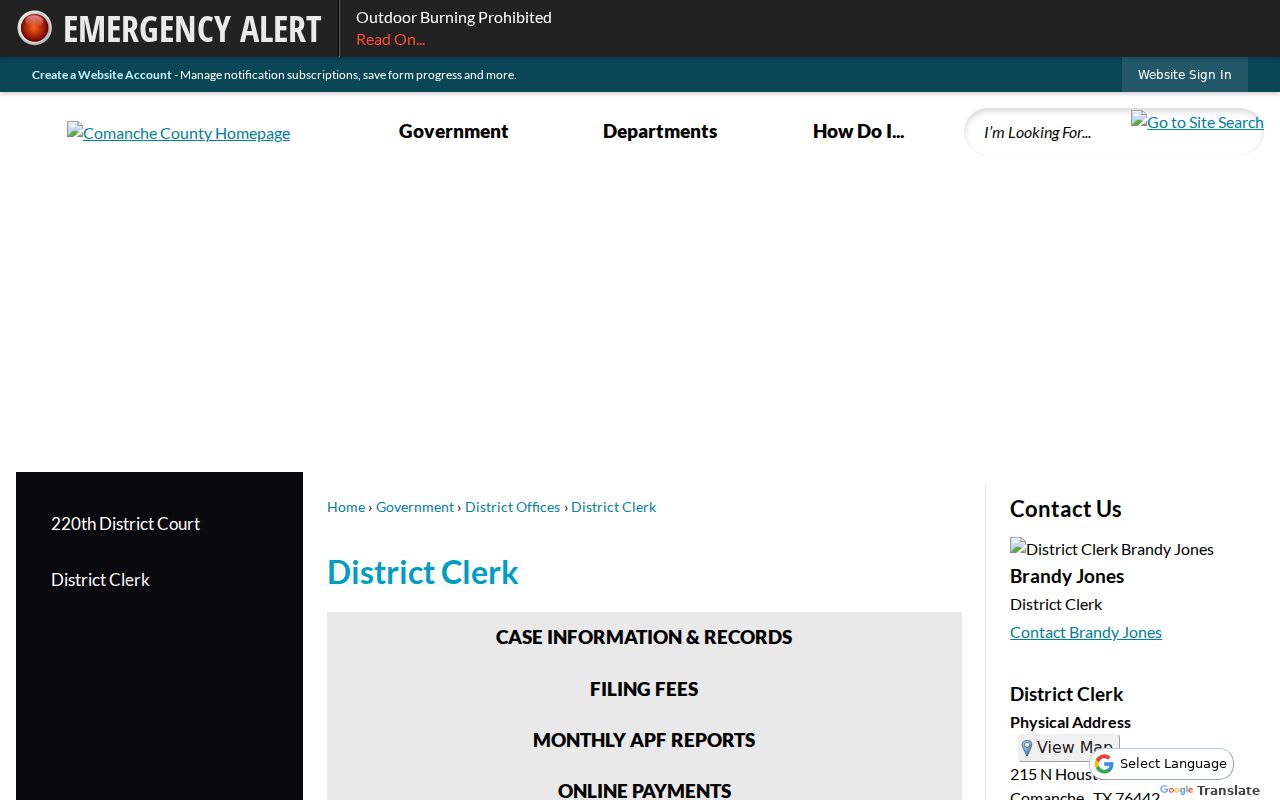
Use the named clerk for district records rather than sending the request to a city portal.
The Texas Attorney General explains how written requests and exceptions work.
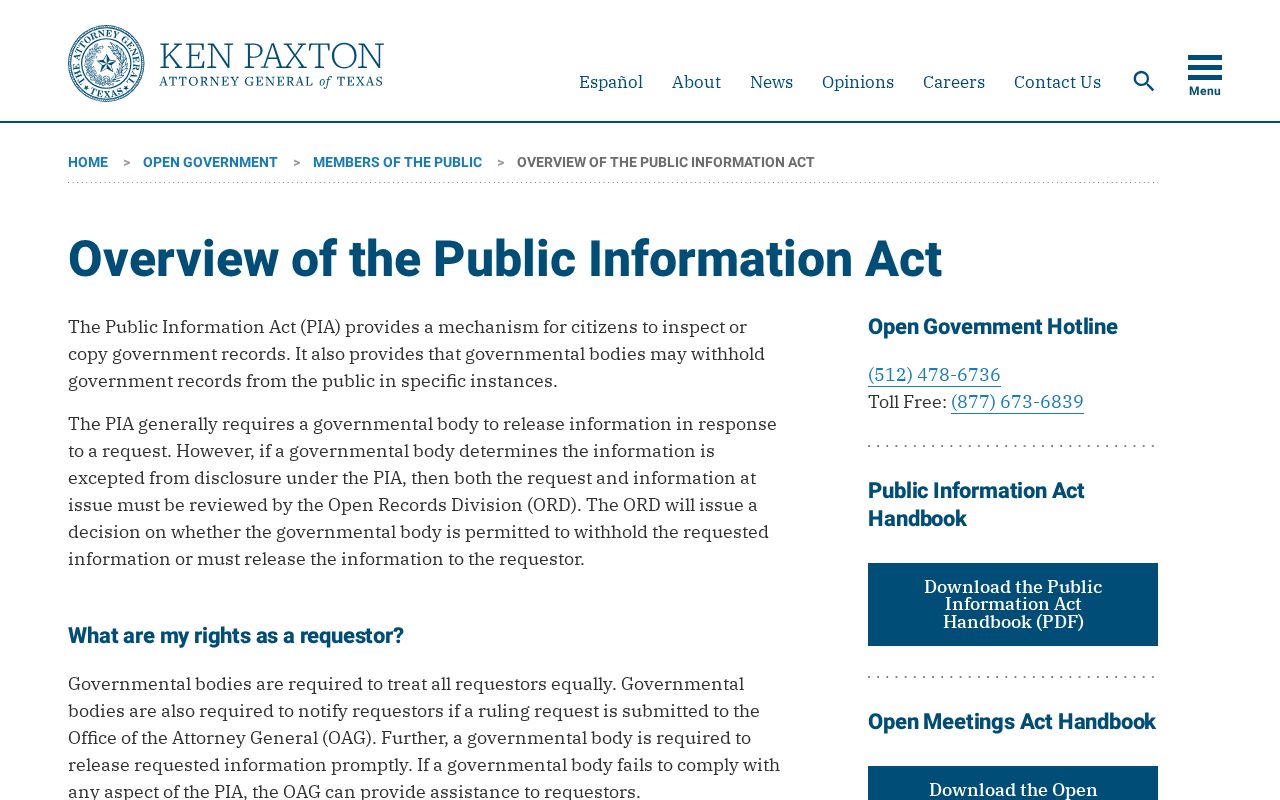
Active-investigation exceptions may limit release even when the request names a specific court or date range.
The County Clerk’s criminal-name search is priced at $5 per name, copies at $1 per page, and certification adds $5 per case under the county FAQ. A name search helps locate recorded filings, but current status still belongs to the court that issued a particular order. Ask whether the result includes the court and date needed to identify the correct file.
Which Warrants Stay Restricted
Public access is not the same across all court records. Texas Government Code Chapter 552 allows law-enforcement exceptions when release could interfere with an investigation or prosecution. Juvenile arrest warrants and supporting papers are confidential under Family Code Section 58.010, subject to limited authorized access. Article 18.01’s affidavit rule applies to search warrants, not every arrest-warrant file.
Key Rules:
Open records: Texas Government Code Chapter 552 covers existing public information, with listed exceptions.
Juvenile privacy: Family Code Section 58.010 restricts public access to a child’s arrest warrant and supporting papers.
Search warrant affidavits: Article 18.01 has a distinct post-execution rule. A blank portal result is not a countywide status certificate.
Chapter 18 governs search-warrant affidavit access and should not be treated as a general rule for arrest warrants. Juvenile arrest-warrant papers face separate confidentiality rules. When a clerk or agency withholds part of a response, ask whether a non-exempt portion can be provided and which exception applies to the withheld material.